Introduction
Every woodworker knows the feeling: you finish a project and end up with a pile of oddly shaped offcuts you’re not sure what to do with. Wood waste is one of the most common — and most costly — problems in both professional workshops and home DIY projects. Whether you’re working with MDF, plywood, chipboard, or OSB, every poorly planned cut translates directly into wasted material and wasted money. Understanding how to reduce wood waste when cutting panels is not just a matter of economy — it’s also a question of craft, sustainability, and professional pride.
Why Wood Waste Happens (and Why It Costs More Than You Think)
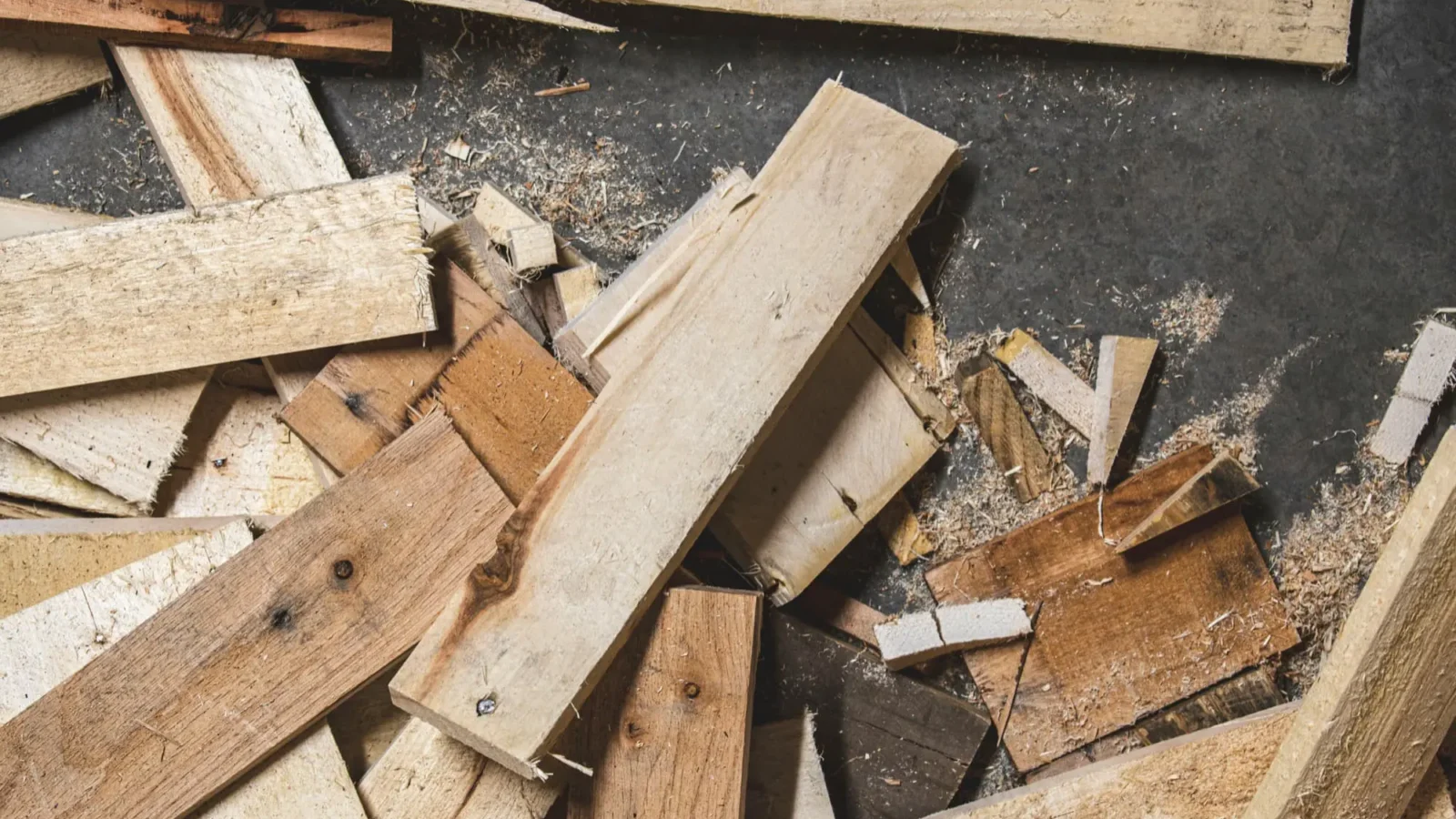
Most wood waste in panel cutting doesn’t come from mistakes — it comes from guesswork. When you don’t have a precise cutting plan, you tend to start with the largest pieces, cut them roughly, and then try to fit smaller parts around what’s left. This approach almost always leads to unusable offcuts.
The financial impact is easy to underestimate. A standard 2440×1220mm sheet of 18mm birch plywood can cost anywhere from £40 to £80 depending on quality and supplier. If your layout wastes 25% of that sheet, you’re effectively throwing away £10–£20 per panel. Multiply that across a kitchen project using 15–20 sheets, and you’re looking at £150–£400 in pure waste.
Beyond the money, there’s the time cost. Returning to the supplier for an extra sheet, adjusting your assembly plan because a piece came out wrong, or simply dealing with a workshop full of awkward offcuts — all of this adds up. Good cut planning is the single most effective way to avoid these problems.
The Cutting Stock Problem: Smart Math Behind Better Cuts
The cutting stock problem is a well-known challenge in operations research and manufacturing. The goal is simple: fit as many required pieces as possible onto a set of raw panels, while minimizing the total material used. In theory, it sounds straightforward. In practice, with dozens of parts in different sizes, it becomes a combinatorial puzzle that’s almost impossible to solve manually.
Even experienced woodworkers who sketch their layouts on paper will rarely find the optimal solution. The number of possible arrangements grows exponentially with the number of parts. A project with 20 different pieces might have millions of valid layouts — finding the best one by hand isn’t realistic.
This is where dedicated software makes a genuine difference. A good panel cut optimizer doesn’t just draw a cutting diagram — it runs algorithms that systematically test arrangements and select the one that wastes the least material. The difference between a hand-drawn layout and an algorithmically optimized one can easily be 10–20% in material savings.
If you want to understand how these tools compare in practice, it’s worth reading a detailed comparison of cutting list software — but the core principle is the same: let the algorithm solve the puzzle so you don’t have to.
Practical Techniques to Minimize Offcuts
Smart software is a major lever, but there are also manual habits that make a real difference when combined with good planning.
Group parts by material and thickness. Before you do anything else, sort your cut list by panel type. Mixing a 12mm plywood part with an 18mm MDF part on the same layout is a beginner mistake that wastes both materials.
Prioritize grain direction early. If you’re working with veneered plywood or any material where grain direction matters aesthetically or structurally, flag these constraints before optimizing. A panel cut optimizer like Offcut allows you to set grain direction per piece — this eliminates a whole category of costly errors.
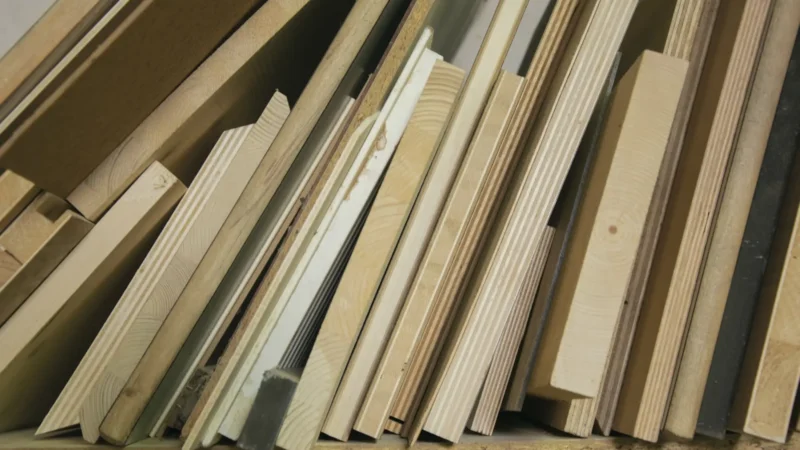
Reuse offcuts strategically. Don’t treat every leftover piece as waste. An offcut of 800×400mm can become a shelf, a drawer bottom, or a backing panel on the next project. Keeping a simple inventory of usable offcuts — even a handwritten list — lets you include them as stock panels in your next cut plan.
Here are three habits that consistently reduce waste in real workshops:
These habits cost nothing and take a few minutes. The savings, over time, are significant.
The Environmental Case for Optimizing Your Cuts
The sustainability angle is increasingly relevant for both professional workshops and DIY makers. Wood is a renewable resource, but the energy, water, and carbon involved in manufacturing engineered panels — MDF, OSB, chipboard, plywood — are substantial. Every sheet you waste contributed to emissions and resource extraction that can’t be undone.
For workshops pursuing environmental certifications or simply trying to align with client expectations around sustainability, cut optimization is a tangible, measurable action. You can track your waste rate over time and demonstrate improvement. Some larger workshops now report their material utilization rate as a key performance indicator alongside labor productivity and delivery times.
On a smaller scale, even a solo maker or weekend woodworker can make a meaningful contribution. Reducing your offcuts by 15% across a year might not sound dramatic — but if you work through 50 sheets annually, that’s 7–8 full panels saved. At current prices, that’s a real saving, and less material going to landfill or the skip.
The good news is that optimizing for the environment and optimizing for cost point in exactly the same direction. You don’t have to choose between being green and being profitable. Better cut planning delivers both outcomes simultaneously.
How a Free Panel Cut Optimizer Changes the Workflow
The barrier to using cut optimization software used to be significant — expensive licenses, complex interfaces, steep learning curves. That’s no longer the case. Tools like Offcut, available free online without any installation, have made professional-grade cut planning accessible to everyone from a seasoned cabinetmaker to a first-time DIYer.
The workflow is straightforward. You enter your available stock panels (with real dimensions), add the list of parts you need to cut (with dimensions and quantities), and let the optimizer calculate the best layout. The result is a visual cutting plan showing exactly where to place each cut, along with statistics on material utilization and offcut sizes.
Offcut supports export in multiple formats — PDF, DXF, SVG, and PNG — so you can print the plan and take it to the workshop, share it with a client, or send it to a panel supplier for cutting on a CNC machine. You can also use the panel weight calculator to estimate the weight of your cut panels for delivery or installation planning.
For anyone building shelving systems, it’s also worth checking the shelf load calculator to make sure your panels can handle the intended load — another step where a few minutes of planning prevents costly rework.
The combination of a proper cut list, an online optimizer, and a couple of supporting calculators gives any woodworker a complete pre-production workflow that was previously only available to large manufacturing operations.
Conclusion
Reducing wood waste when cutting panels is one of the highest-leverage improvements any woodworker can make. It requires no special skills, no major investment, and no significant change to how you work — just a habit of planning before cutting, and the right tool to turn that plan into an optimized layout.
Whether your motivation is saving money, reducing your environmental footprint, or simply running a more professional workshop, the outcome is the same: you use less material to achieve the same result. That’s good for your budget, good for the planet, and good for the quality of your work.
Ready to cut smarter? Try the free panel cut optimizer on Offcut and see how much material you could save on your next project.