Introduction
Every woodworker, whether a seasoned cabinetmaker or a weekend DIYer, faces the same challenge: how much wood will actually go to waste once the cutting starts? Knowing how to calculate wood offcuts before you touch the saw is not just a money-saving habit — it is a fundamental step in professional panel cutting. Poorly planned cuts can waste 20 to 40% of your sheet material. That is not just lost timber; it is lost budget, lost time, and unnecessary environmental impact. This guide walks you through the main methods for estimating panel waste before cutting, from simple manual math to dedicated software, so you can choose the approach that fits your workflow.
Why Wood Offcuts Matter More Than You Think
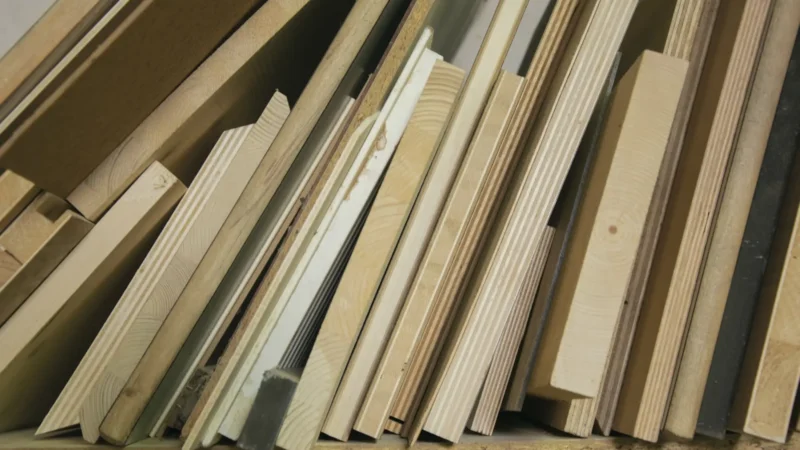
Offcuts are not just scraps. They represent a measurable percentage of your raw material that is paid for but not used. For a standard 2440 × 1220 mm sheet of 18 mm MDF, even a 15% waste rate means you are throwing away roughly 0.45 square metres of panel with every sheet you cut.
Multiply that across a ten-sheet kitchen project and you have lost the equivalent of one and a half full panels — material you already bought. Professional shops track this figure as material yield, expressed as a percentage of usable cuts versus total sheet area.
Understanding your offcut rate also affects quoting. If you consistently underestimate waste, you will under-price jobs and absorb the cost yourself. Accurate offcut calculation protects your margin on every project.
Finally, there is a sustainability argument. The wood manufacturing industry generates significant carbon output. Reducing waste at the cutting stage is one of the most direct ways individual craftspeople can lower their environmental footprint.
Three Methods to Estimate Panel Waste Before Cutting
1. Manual Calculation
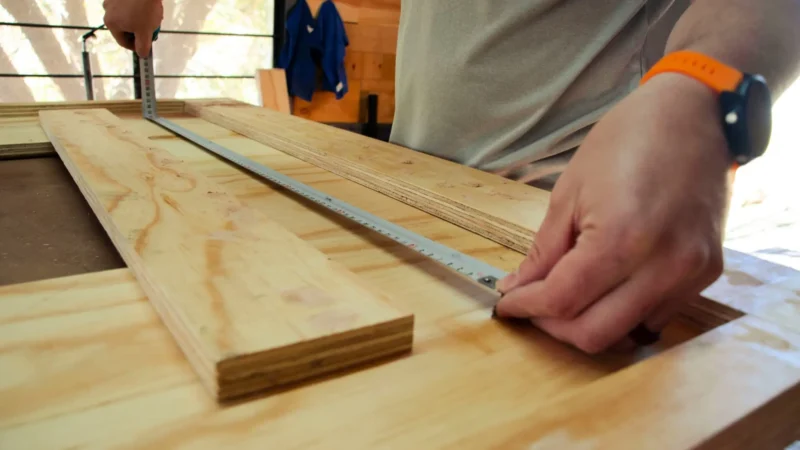
The simplest approach uses basic arithmetic. Add up the total area of all the parts you need to cut. Then divide that figure by the area of one full sheet. The result tells you the theoretical minimum number of sheets, assuming perfect nesting with no kerf loss.
For example: if your parts total 6.5 m² and one sheet is 2.97 m², you need at least 2.19 sheets — so a minimum of 3 sheets in practice. But this method ignores shape constraints. Long, narrow pieces cannot always fill the gaps left by shorter ones, so real waste will be higher.
Manual calculation is useful for a quick sanity check but should never be your final estimate for ordering material.
2. Spreadsheet-Based Estimation
A spreadsheet adds a layer of realism. You can input individual part dimensions, assign them to sheets row by row, and track remaining area per sheet manually. Many experienced woodworkers maintain their own cutting layout templates in Excel or Google Sheets.
The advantage is flexibility — you can add kerf width (typically 3 to 4 mm for a table saw blade), grain direction constraints, and edge banding allowances. The limitation is time: manually arranging parts in a spreadsheet is essentially the same cognitive task as physically planning cuts on paper, just digitally.
For small projects with fewer than 15 to 20 parts, a spreadsheet can be entirely adequate. For larger or more complex jobs, the time investment stops being worthwhile.
3. Dedicated Cutting Plan Software
This is where accuracy and efficiency converge. A sheet cutting optimizer takes your list of parts, your available stock panels, and your kerf width, then automatically generates an optimized cutting layout. Advanced algorithms — typically bin-packing variants — explore thousands of possible arrangements to find the one with the lowest waste percentage.
The output is a visual cutting plan you can print or export (PDF, DXF, SVG, PNG), plus detailed statistics including total sheet count, offcut area, and material yield percentage. You get the numbers you need for accurate quoting and confident material ordering, in minutes rather than hours.
Comparison: Which Method Is Right for You?
| Method | Accuracy | Time Required | Best For |
|---|---|---|---|
| Manual calculation | Low (ignores shape constraints) | Very fast (5 min) | Quick budget estimate |
| Spreadsheet | Medium (manual nesting) | Moderate (30–90 min) | Small projects, experienced users |
| Cutting plan software | High (algorithm-optimized) | Fast (5–10 min) | Any project size, professional use |
The table makes a clear case: for anything beyond a quick ballpark, dedicated software delivers the best combination of speed and accuracy. Tools like Offcut are free to use online, require no installation, and handle imports via CSV or JSON if you already have your part lists in digital form.
Practical Tips to Reduce Panel Waste on Your Next Project
Before you even open a calculator, a few upstream decisions can meaningfully reduce your offcut rate.
One often-overlooked technique is re-using offcuts across projects. A cutting plan tool that tracks offcut dimensions lets you enter those leftover pieces as stock in your next job. Over time, this transforms offcuts from waste into an inventory asset.
Conclusion
Estimating wood offcuts before cutting is not optional for anyone serious about woodworking — it is the difference between a profitable project and one that quietly bleeds money. Manual math gives you a starting point. Spreadsheets give you more control. But if you want genuinely accurate results without investing hours in planning, a dedicated panel cut optimization tool is the clear answer.
Offcut is free, runs directly in your browser, and generates optimized cutting plans for MDF, plywood, chipboard, OSB, or any sheet material. Whether you are cutting two sheets or twenty, it gives you the offcut statistics and visual layout you need to order the right amount of material and waste as little as possible. Try the free online cutting plan calculator before your next project — and see exactly how much you stand to save.
Offcut tools to go further
- 🪵 Offcut app — cutting plan — generate an optimised cutting plan in a few clicks.
- 📊 Wood weight calculator — estimate the mass of your panels instantly, before assembly or transport.